GOVO · Accessories & Parts
T6X Replacement Screen
T6X Replacement Screen for your GOVO setup. Request individual items or department quantities through BlueLine.
The quote link opens your email app with this product and your selected options included.
Product details
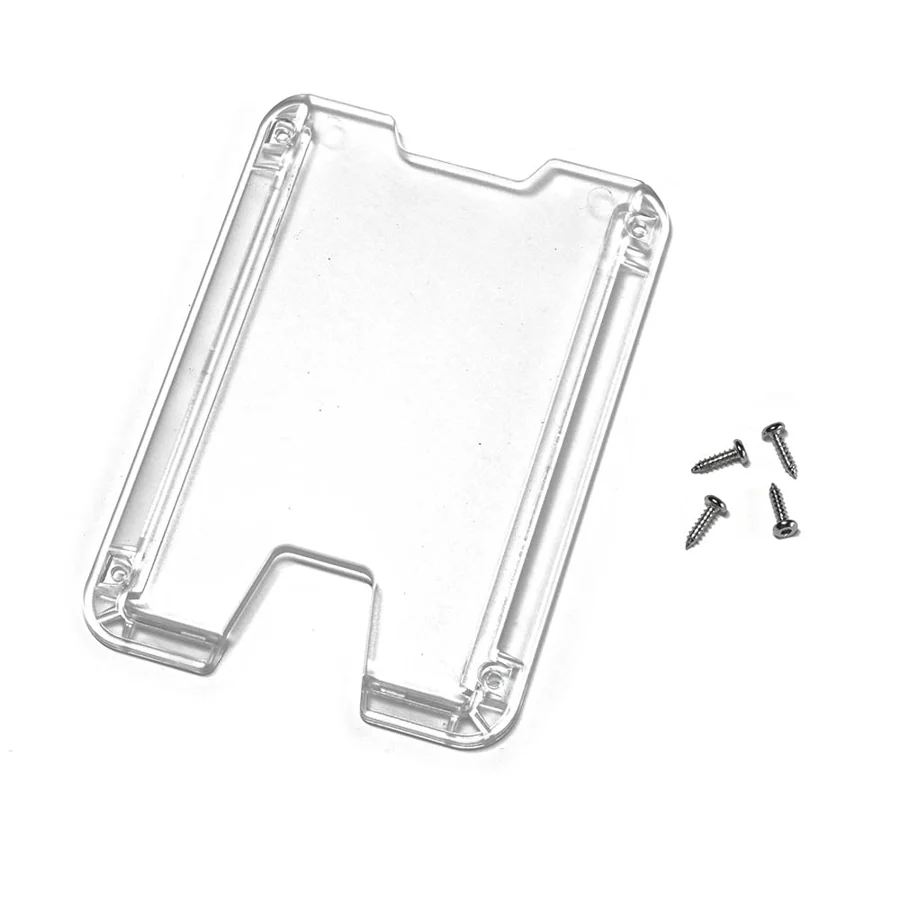
Replacement screen for T6X Wallet & ID Holder
This set includes one screen and 4 screws for installation.
Installation tools required: H1.5 hex screw drive
Installation Instruction:
Use H1.5 hex screw drive to remove screws from old screen. Place the new screen on the back piece of the badge holder, and make sure the internal spring is secured between two ribs on the inner side of the screen and the back piece. Install new screws with a hex screw drive. DO NOT OVER-TIGHTEN SCREWS.
Options are listed for reference. BlueLine confirms available combinations, quantities, compatibility, and lead times before ordering.
Product information and photo: GOVO. Photos may show optional accessories. Updated October 25, 2026.